.png)


.png)


Bitrix24 Sign In
You'll find everything you need on this Bitrix24 login page.
Who can sign in to Bitrix24?
You can use your www.bitrix24.com login in the following situations:
- you have created a Bitrix24 account and confirmed it via email
- you have received an invitation to join a Bitrix24 account and accepted it
If you're new to Bitrix24, you can create your account here.


If you have multiple Bitrix24 accounts
Bitrix24 is an online workspace designed to bring together people, tools, and information in your company - and it is indeed protected (via secure Bitrix24 log in procedure). Depending on how your Bitrix24 account was created, you can use one of the following ways for Bitrix login. If you have multiple accounts, you can manage access to them on this page.
If you created a Bitrix24 account by yourself
- via email: enter the email address you used for the Bitrix24 sign up process
- via social login: click on the logo of the social media platform you used for Bitrix24 CRM login
If you received an invitation to join a Bitrix24
- via email: enter the email address that you received the invitation to (might also contain your password)
- via SMS: enter the phone number that you used for registration and the code you received
- via direct link: just follow the link and provide the required information
Forgot your password?
If you forgot your password, click on the FORGOT PASSWORD button on the Bitrix24 login page via one of the following ways:
- email: enter the email address you used for registration and we will send you a recovery link
- phone: we will send you a recovery link to restore your Bitrix24 mobile app login
If you created a Bitrix24 desktop app account via social media, just use the same social media platform to restore your access.
How to sign in to Bitrix24 Desktop app?
If you're using our desktop app, there are two ways to sign in.
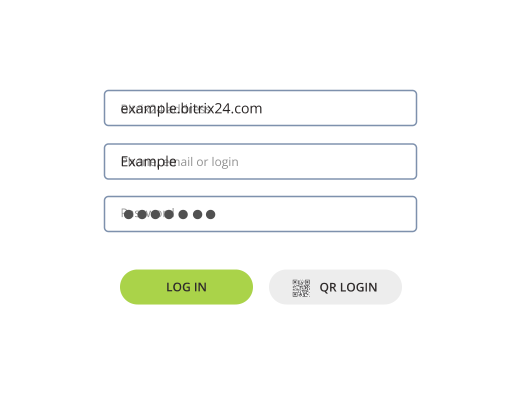
Authorization via Bitrix24 Network profile
Enter your Bitrix24 address (e.g., testXYZ.bitrix24.com)
Enter the phone number or email you used for registration
Enter password
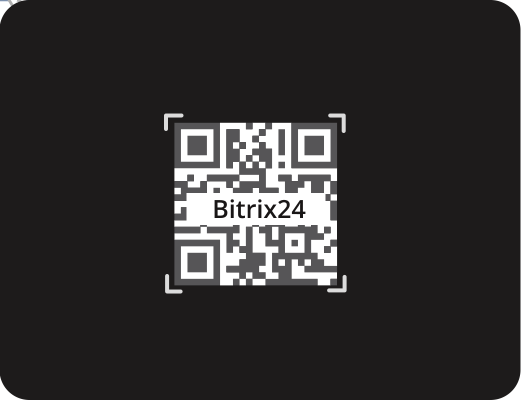
Authorization via QR code
Make sure you're logged into the Bitrix24 mobile app
Click on the QR LOGIN button and enter your Bitrix24 address
Scan the QR code with your smartphone
How to sign in to Bitrix24 mobile app?
If you're using our mobile app, there are four ways to sign in.
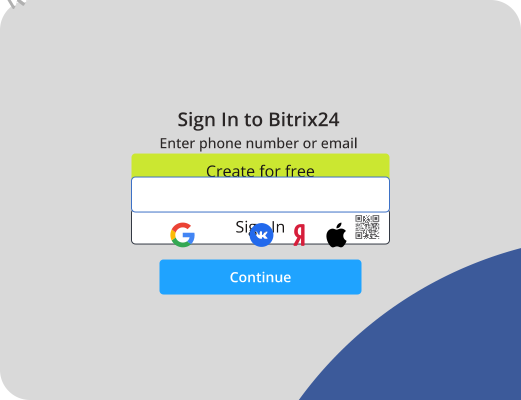
Authorization via phone number or email
Launch the app and tap the Sign in button
Enter the phone number or email you used for registration
Enter password
Authorization via social media
Launch the app and tap on the icon of the social media platform you used for registration
Log into that platform (if necessary) and allow access to the app
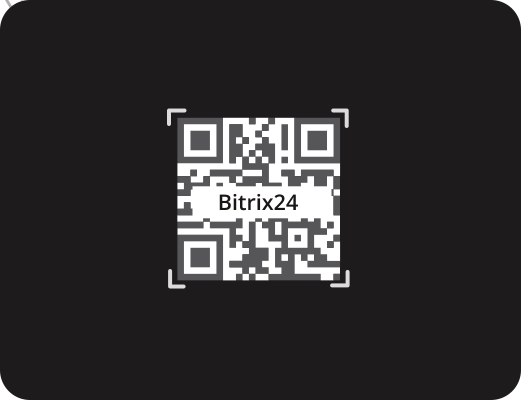
Authorization via QR code
Tap the QR code button and then - Scan the QR codeenter your Bitrix24 address
Go to your account and open the employee widget
Open the Log in from your phone section
Scan the QR code with your smartphone
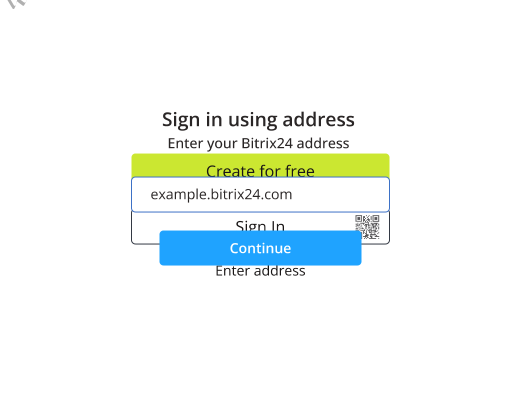
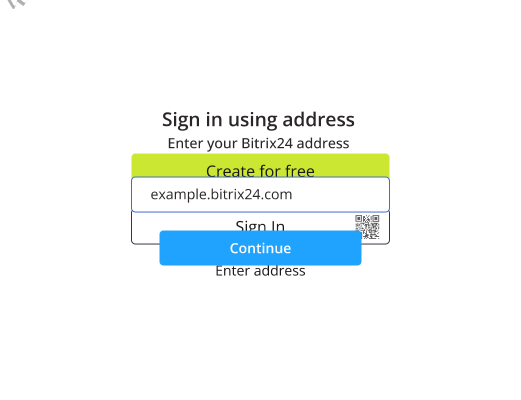
Authorization via Bitrix24 address
Launch the app and choose the Enter address option
Enter your Bitrix24 address (e.g., testXYZ.bitrix24.com)
Enter your username and password